
01
Add one product photo
Use the clearest source you have so the product can anchor the content set.
Use an authorized reference set’s structure to build your own product listing content faster—without copying its product or brand.
Listing and launch content
Upload your product and authorized references, then build your own listing images around their structure.
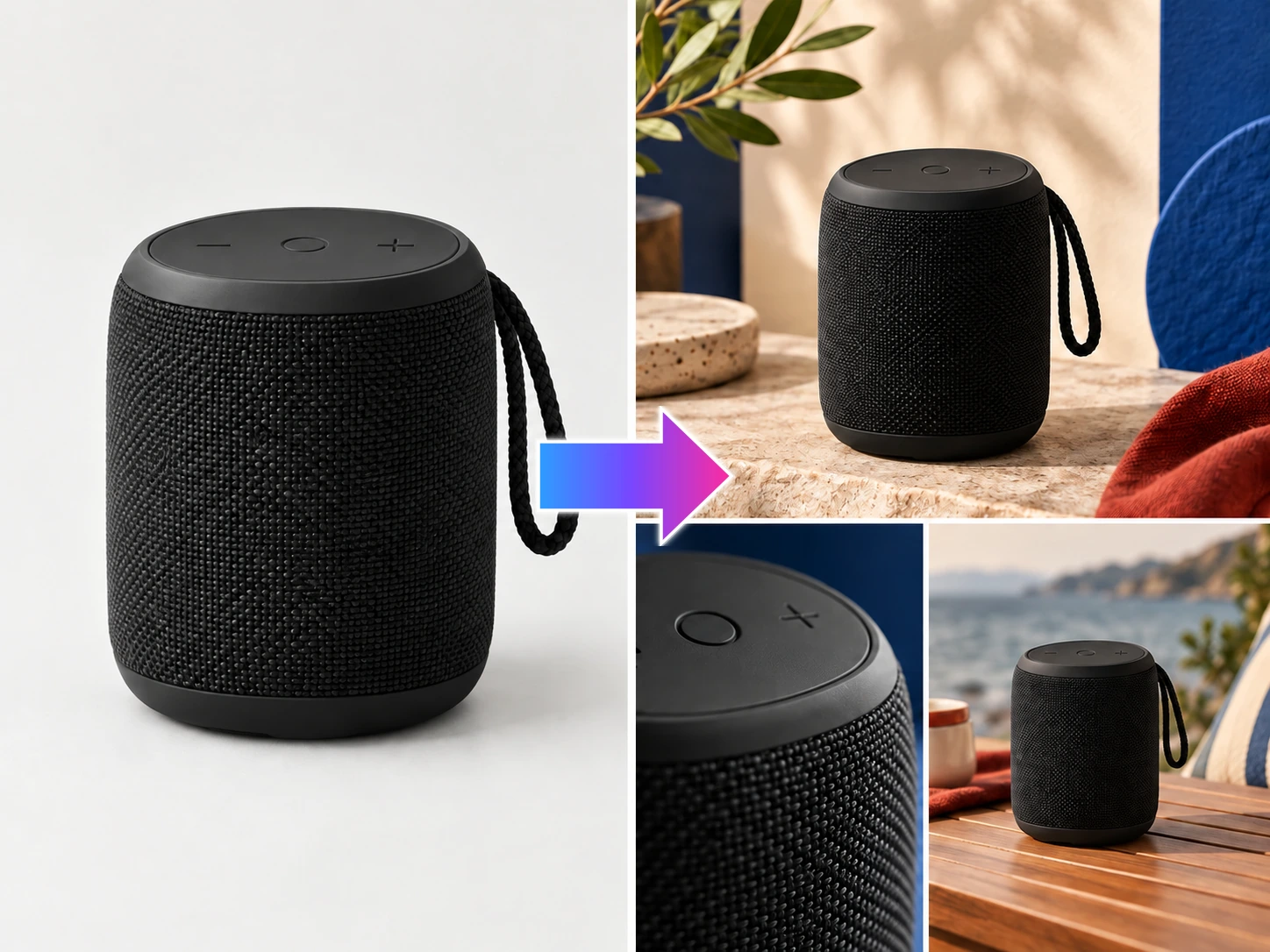
Upload your product and authorized references, then build your own listing images around their structure.
See what one product photo can make
Borrow the structure and information order, then replace the product, selling points, and brand expression with your own.
Pick a listing or campaign use, make the first image set, then try another selling point or scene when you need a new version.
Use the clearest source you have so the product can anchor the content set.
Set the selling point, scene, audience, and content direction you need next.
Generate the first version, then keep building from the same product source.
A main image helps shoppers recognize the product. Feature images answer questions. Scene images show how it fits into real life.
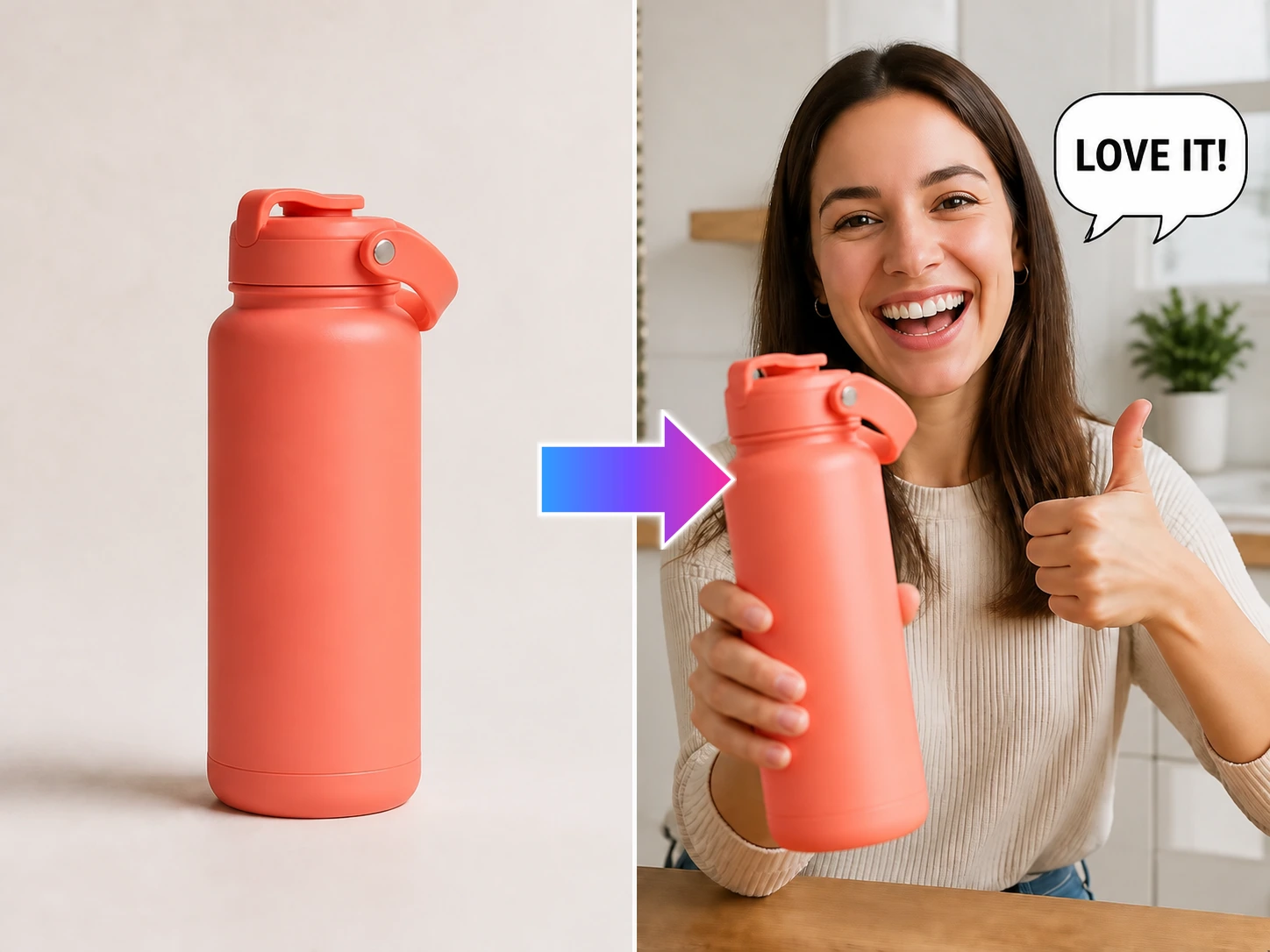
Turn 1 product photo into natural UGC-style content that feels at home in the feed and helps people imagine using it.
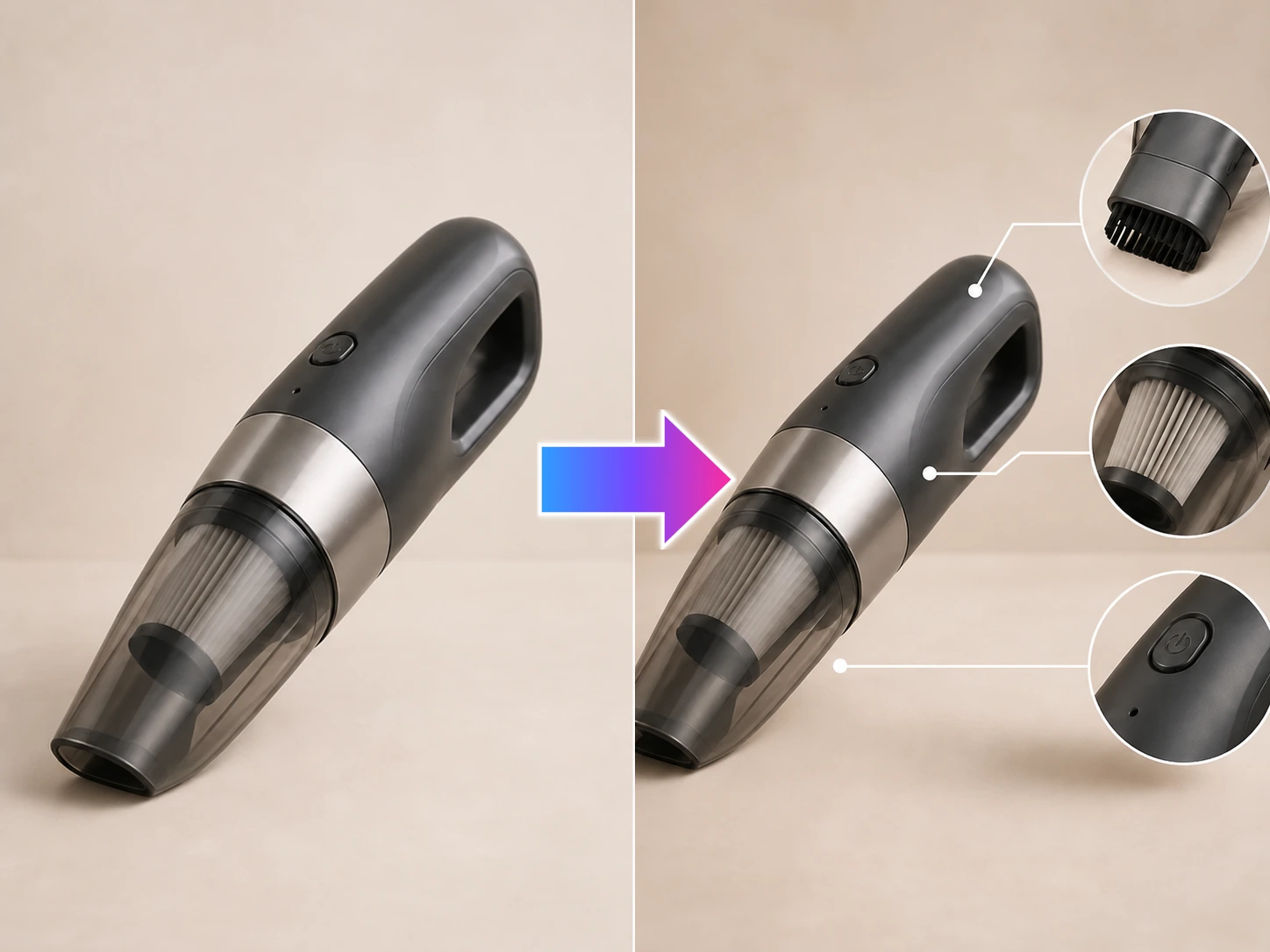
Turn real product details into selling-point images that answer buyer questions in listings, ads, and social posts.
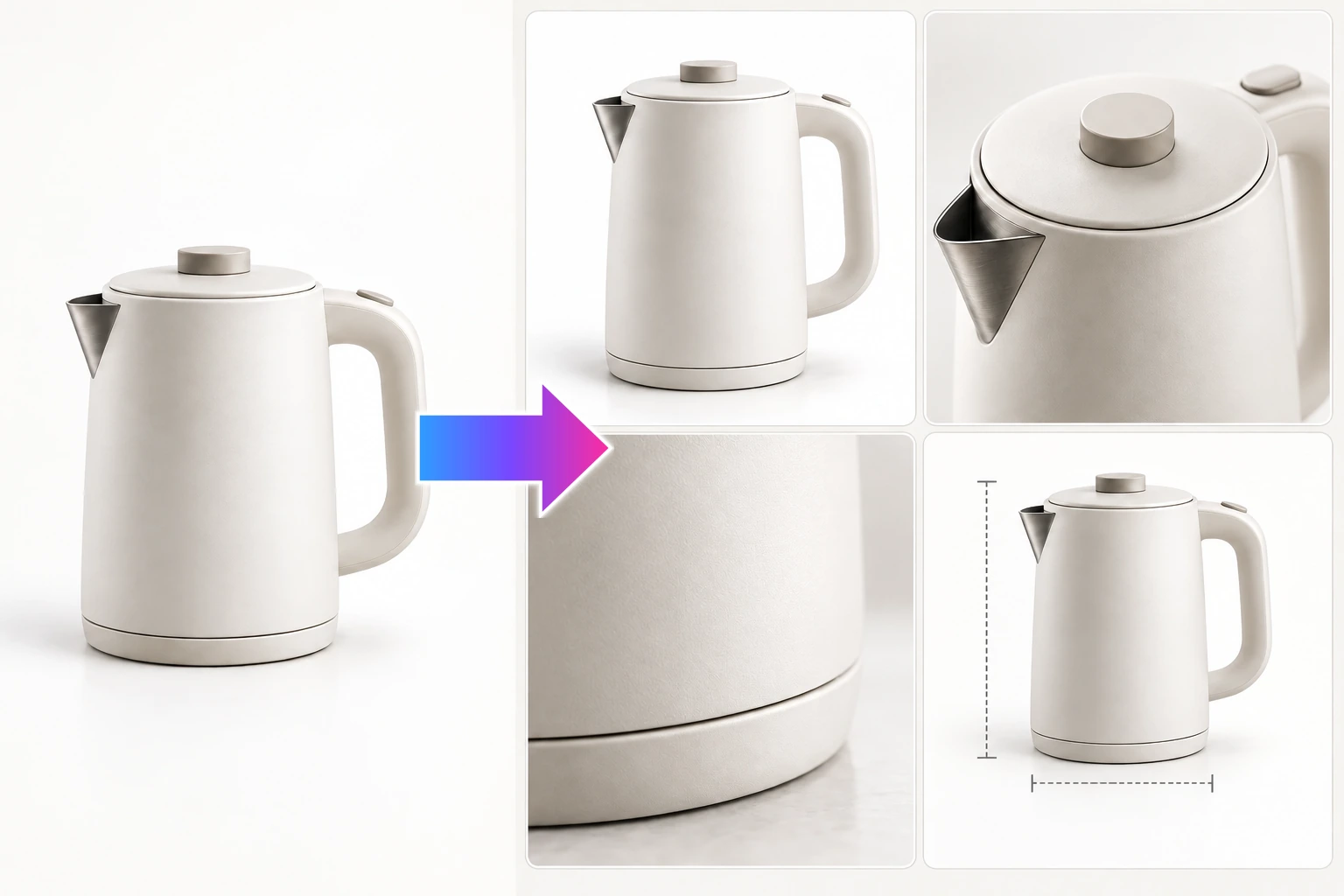
Turn 1 product photo into a complete listing image set—main, feature, scene, and launch visuals for one SKU.
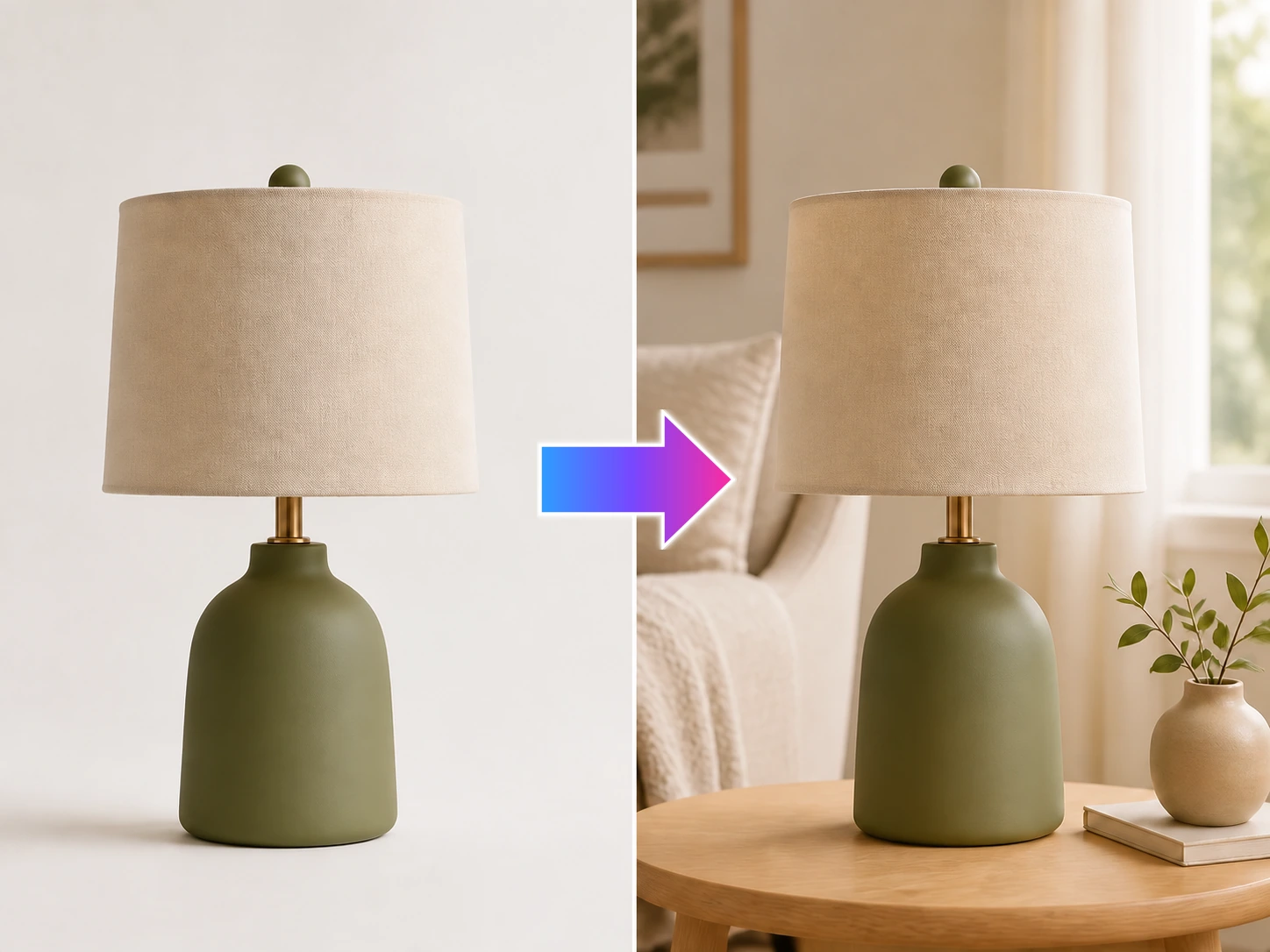
Place 1 product photo in believable scenes that show where the product belongs and how it is used.
Bring your product and authorized references, then rebuild the image roles around your own brand and selling points.