
01
Upload the source image
Use the clearest source file so the product can keep moving into new content.
Translate product-image text so the same visual content can support another market without rebuilding the layout.
Image refinement and reuse
Upload an image and translate the visible product copy while keeping the original layout.
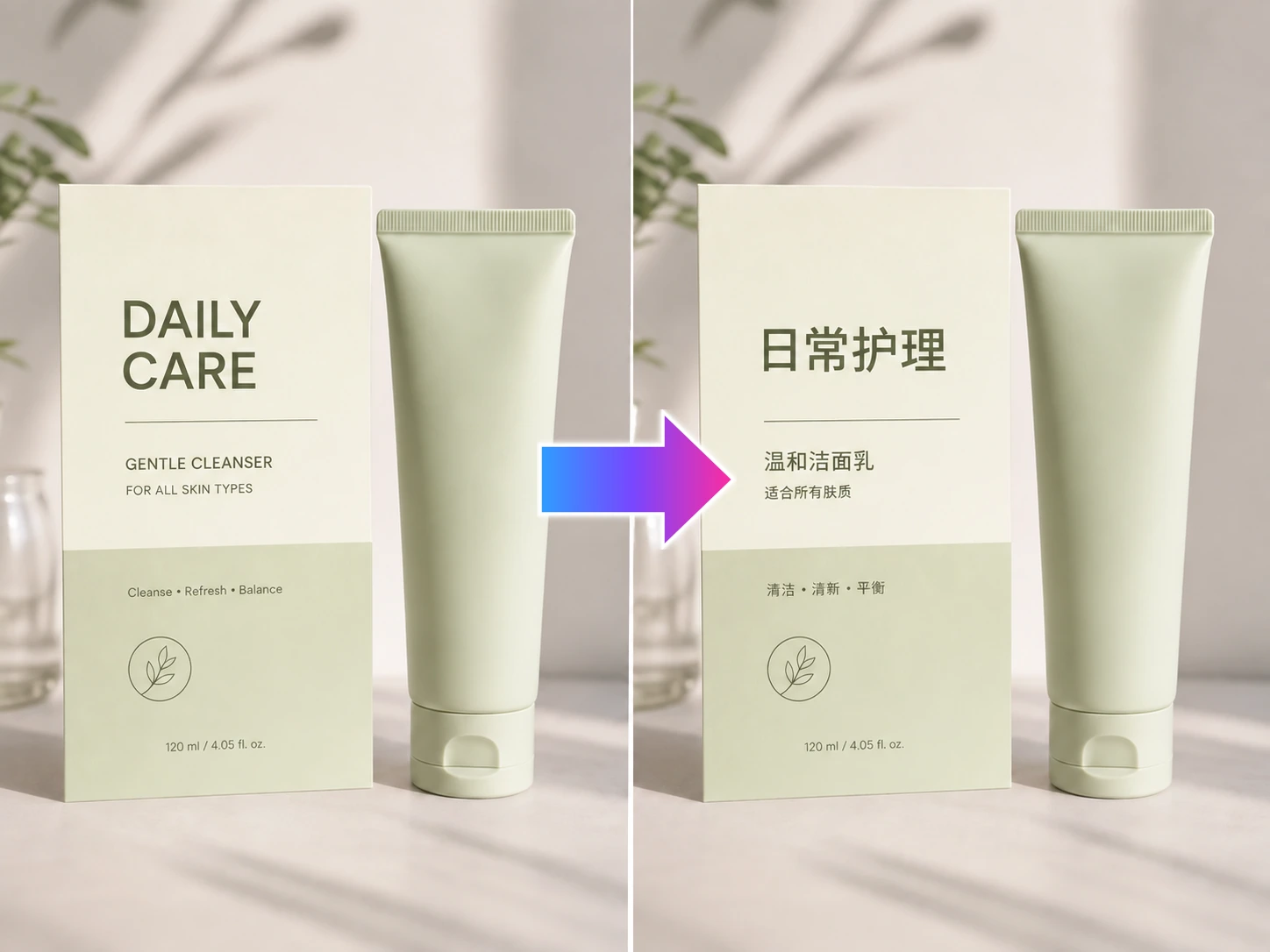
Upload an image and translate the visible product copy while keeping the original layout.
Keep the visual structure, change the language, and move the same product content into a new market.
Name the change, create the improved source, and move the product into its next listing, social post, poster, or campaign asset.
Use the clearest source file so the product can keep moving into new content.
Set the new scene, target, or editing region that will unlock the next asset.
Bring the updated product image into the next listing, poster, or campaign.
Remove the background, restore detail, translate the image, or clean up a distraction so the same product can move into its next asset.
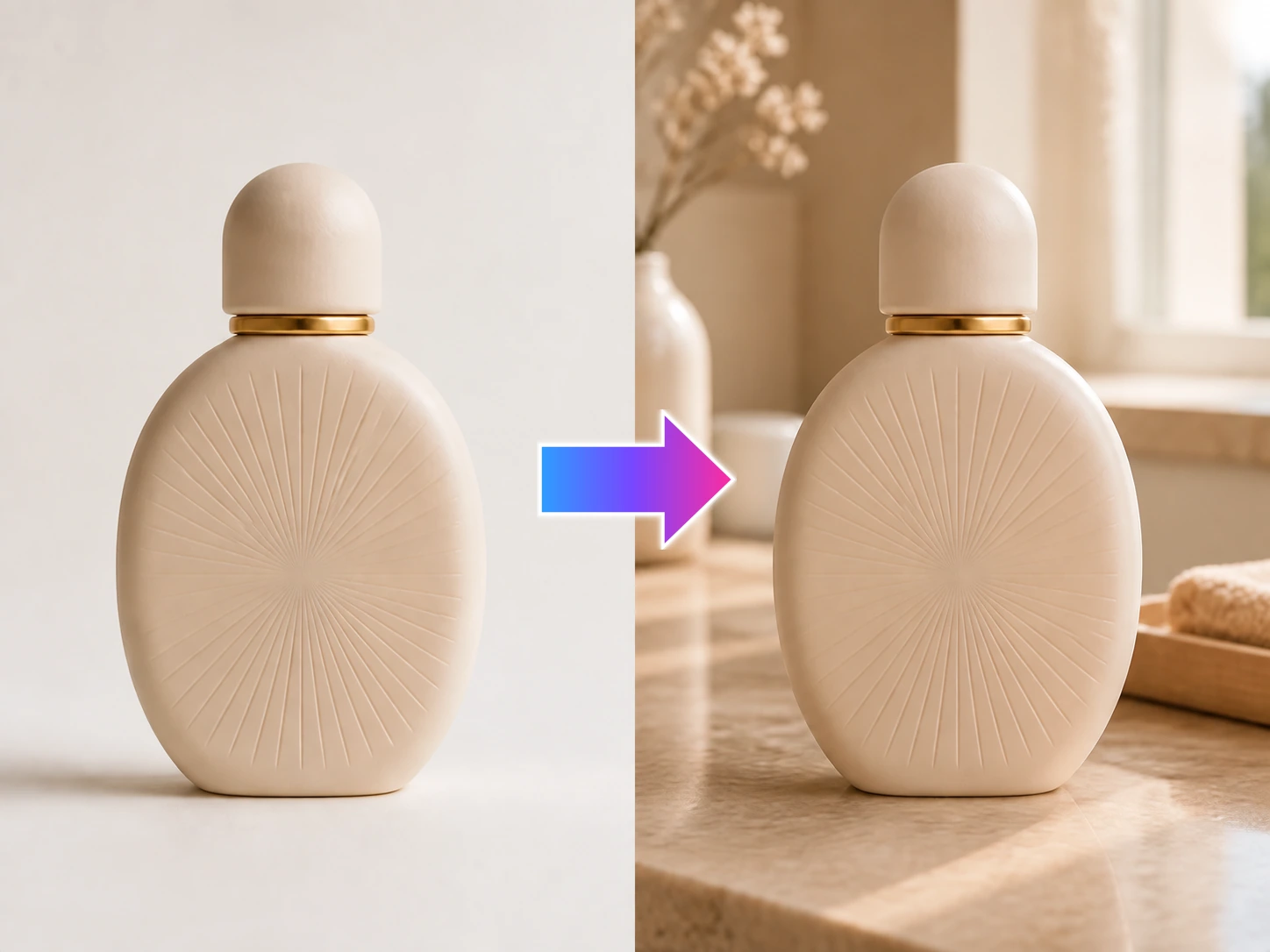
Change the setting around a product so one source photo can support more launch, campaign, and social content.
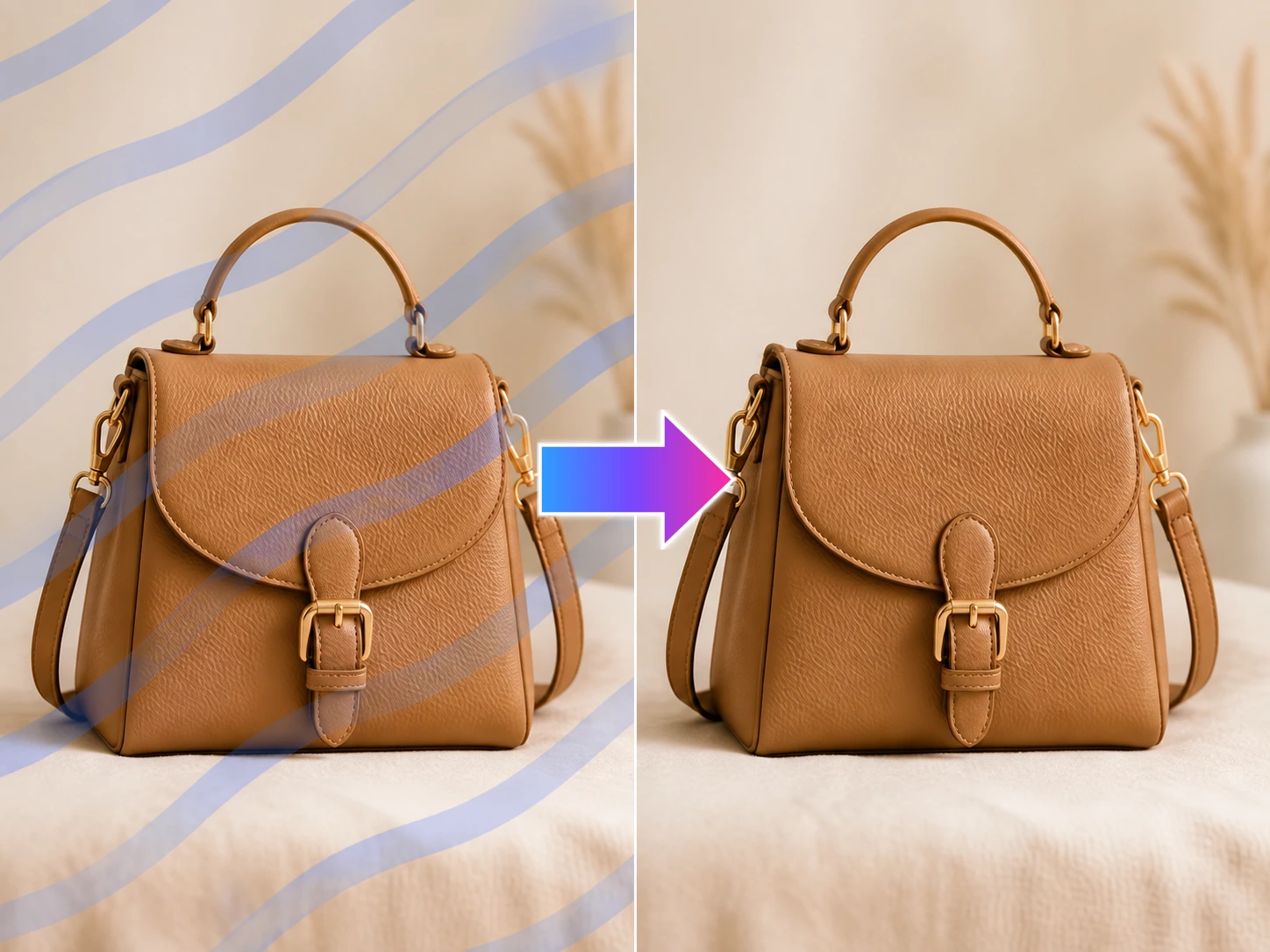
On an asset you own or have permission to edit, remove your own mark so the file can return to the design workflow.
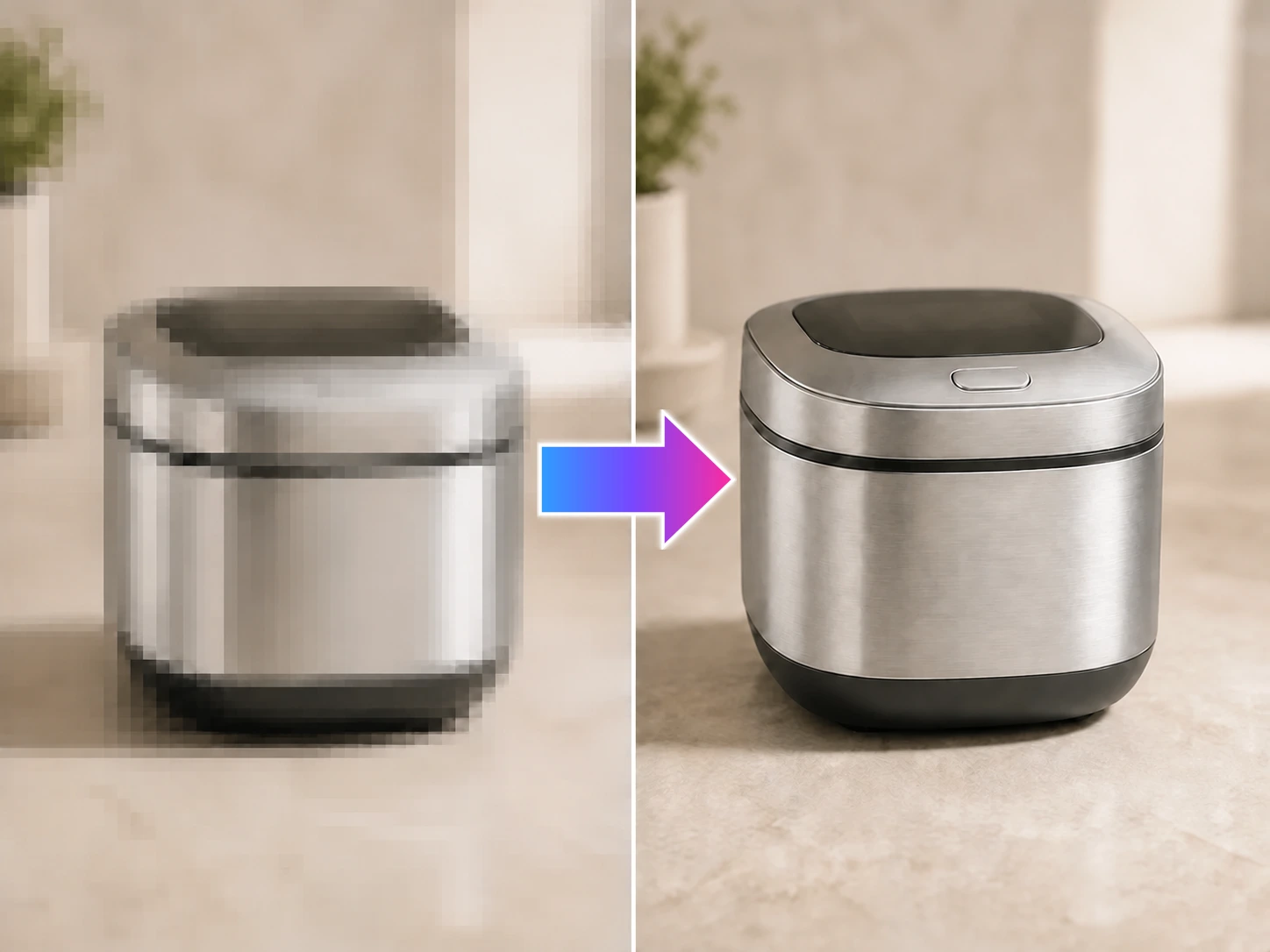
Upscale a small or soft product photo so it can keep working in listings, posters, ads, and social content.
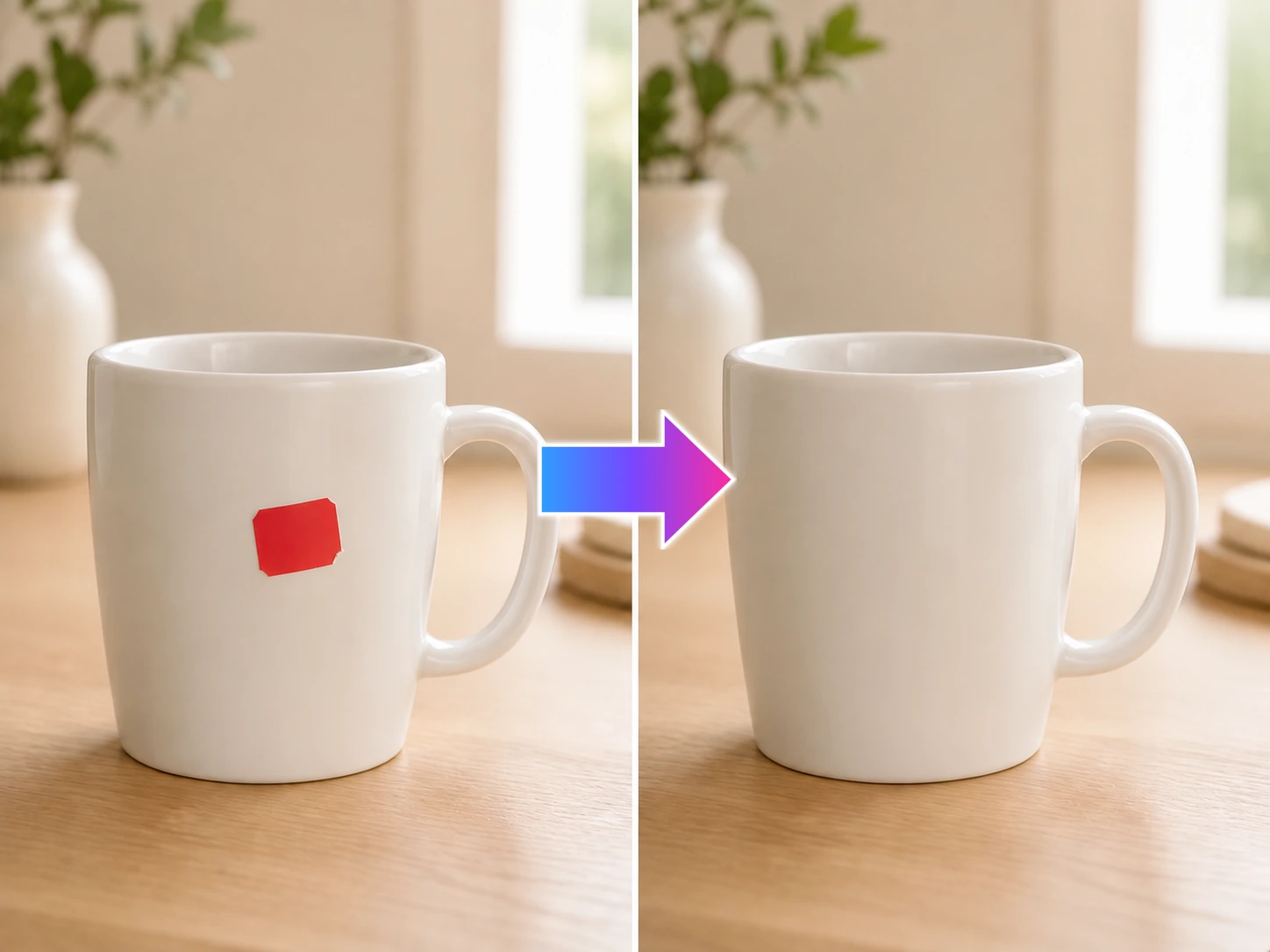
Erase props, cables, dust, or other distractions so the product photo is ready for its next listing or campaign asset.
Translate visible product copy while keeping the original visual structure as a starting point for a new market.